WendyQuest Controls — How to Play & Battle Basics
Editorial contact: Raymond
WendyQuest controls are built around a three-command battle menu — Attack, Special and Bag — with timed hits for bonus damage, full controller support and a keyboard-only option. Here is what is confirmed, checked October 30, 2026.
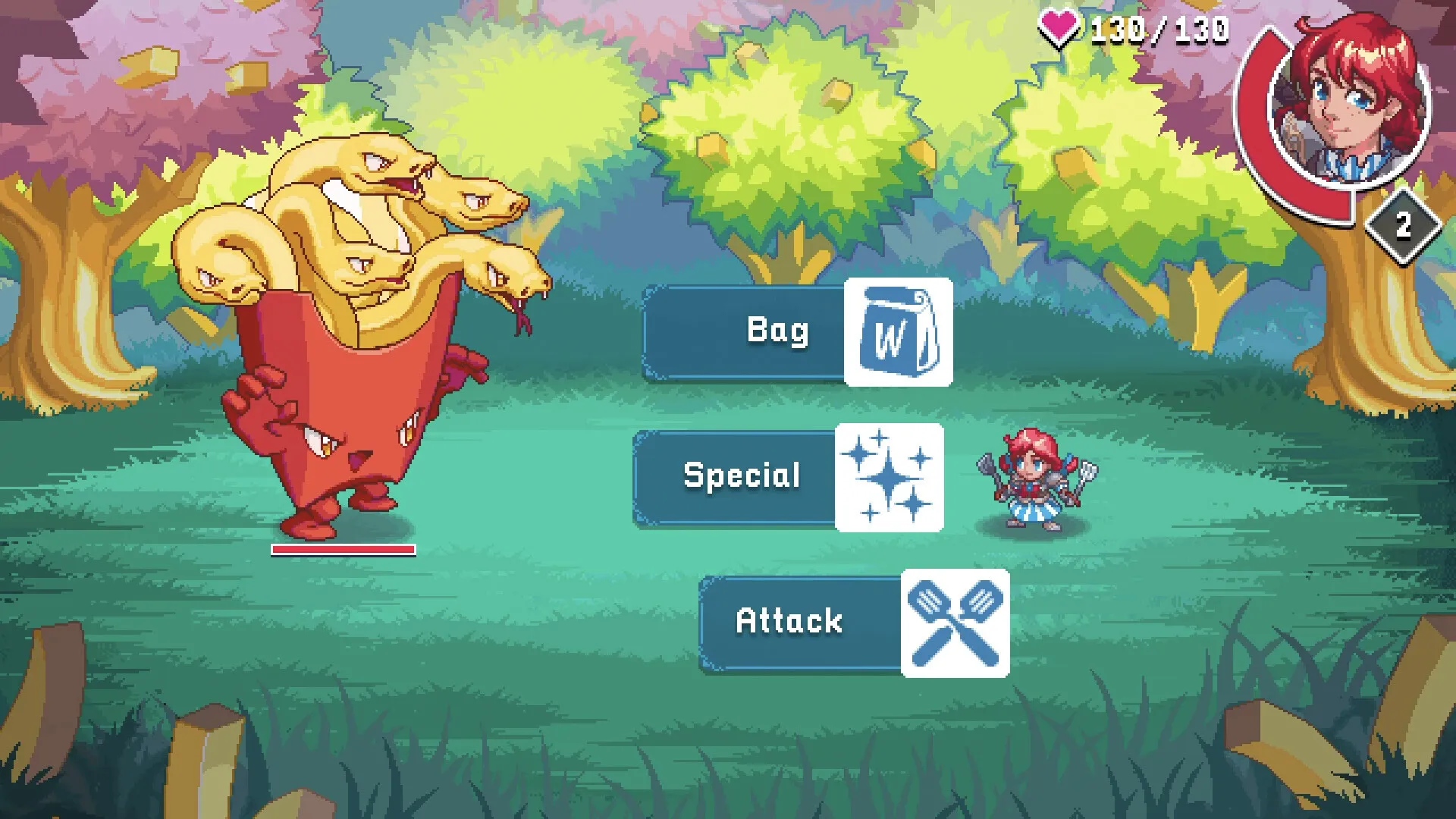
Three commands run every WendyQuest battle
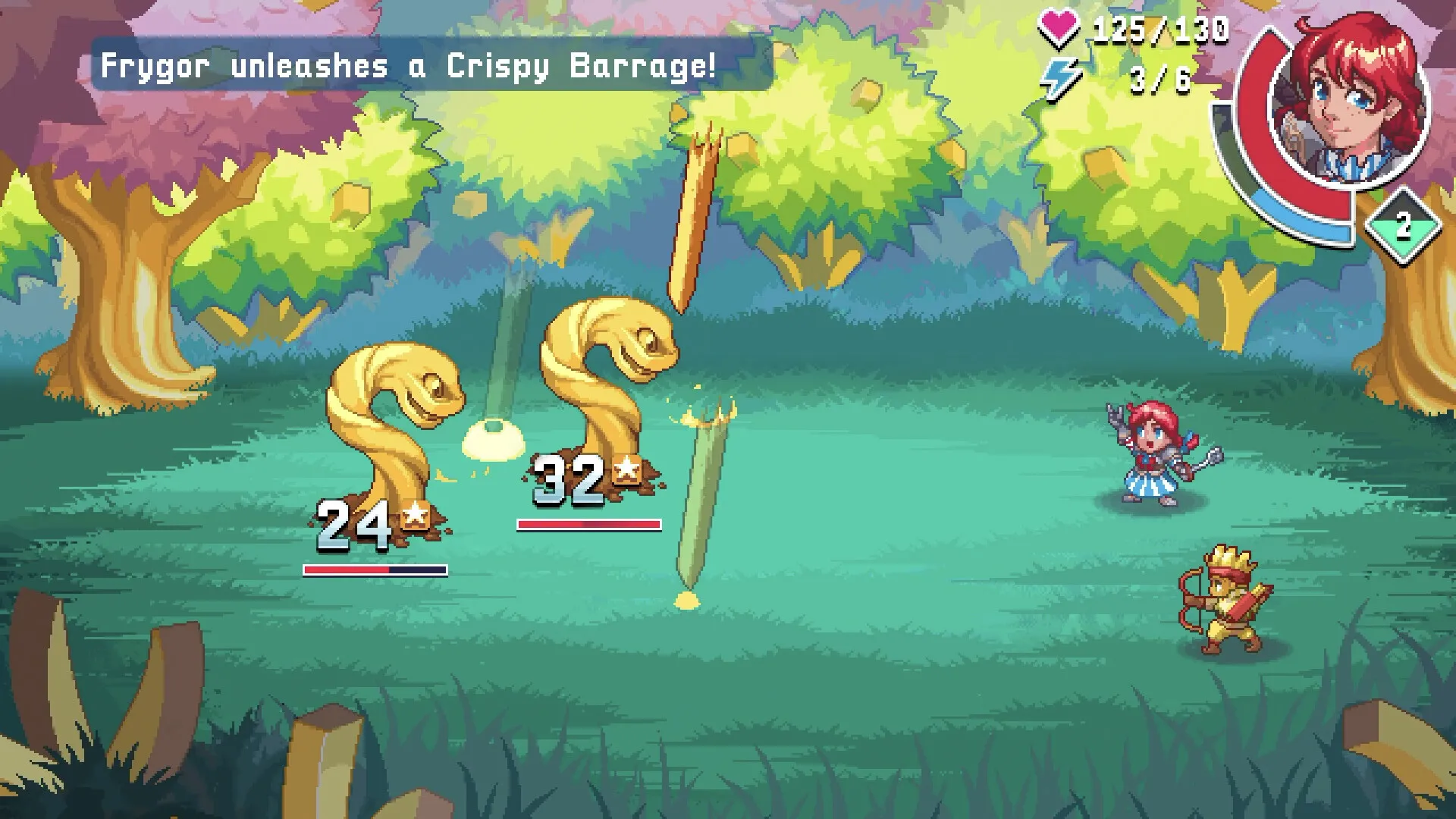
- Attack — a basic strike, shown in screenshots with a crossed-spatula icon. Timing the input when the hit lands deals bonus damage.
- Special — charged moves that use a special gauge which fills during the fight; party allies bring their own moves.
- Bag — healing items straight off the Wendy’s menu, from Crispy Fries to a Dave’s Double. Screenshots show cure effects such as Frozen and Soggy.
Keyboard and controller both work
The WendyQuest controls are deliberately simple to pick up: battles are turn-based, so there is no button-mashing requirement, and the menu only ever offers three commands. The listing includes a keyboard-only option and full controller support, which means you can play with whatever you already have plugged in.
The overworld adds light puzzle interaction — screenshots show objectives like reading a shrine or reaching a landmark — but nothing published so far suggests complex combos or advanced tech.
How it should feel on a Steam Deck
Because the battle system is menu-driven, handheld play should map cleanly to the Deck’s buttons. Save Anytime and adjustable difficulty help short sessions, and the game’s small footprint means quick installs. The Steam Deck page tracks the official compatibility status.
What is not published yet: exact default bindings, whether remapping is supported, and any accessibility options beyond the listed volume and difficulty controls.
Getting good at timed hits
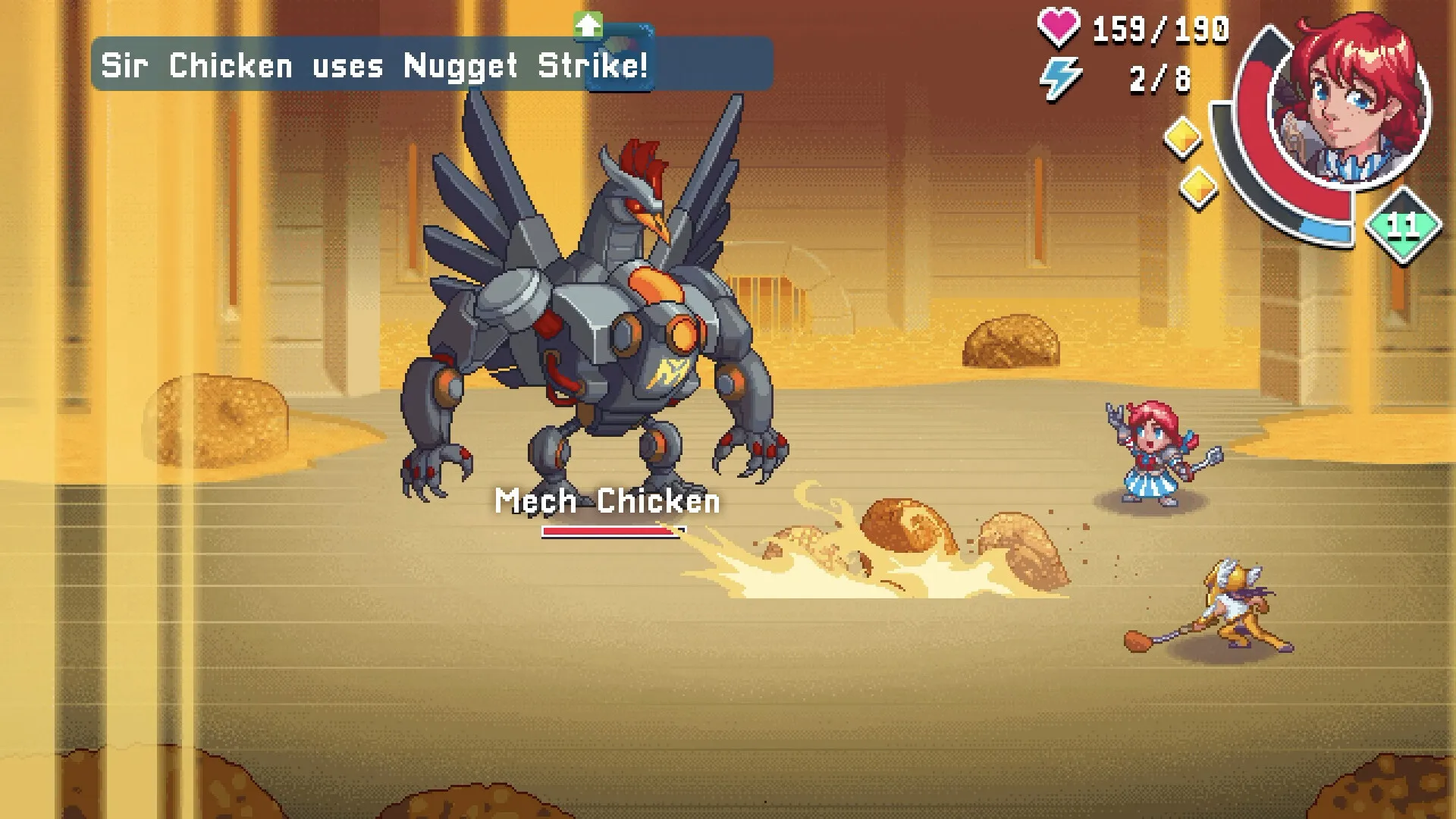
Since bonus damage comes from timing rather than grinding, expect early fights to teach the rhythm: watch the wind-up, press on contact. Party allies add matchups — each companion’s flavor deals extra damage against specific enemy types — so rotating the party is a control-layer decision too. The characters page lists who brings which flavor, and the bosses page covers what you will be timing against.
FAQ
How do you attack in WendyQuest?
The WendyQuest controls put three commands in front of you in every battle: Attack for a basic spatula strike, Special for charged moves, and Bag to use a healing menu item. You pick a command, the action plays out, and then the enemy takes its turn.
Can you play WendyQuest with a keyboard?
Yes. The Steam store listing includes a keyboard-only option alongside full controller support. Exact key bindings have not been published yet, but the battle menu is a simple three-command layout, so there is not much to memorize.
Does WendyQuest support controllers?
Full controller support is listed among the game features, and the store page states the game is available for Steam Deck. That covers standard gamepads and the Deck’s built-in controls.
How do timed attacks work?
The official description says that timing attacks perfectly deals "supersized damage". In practice that means battle inputs are skill-based: the same Attack can hit for more when you press at the right moment, so you cannot fully auto-pilot fights.
Can you save anywhere in WendyQuest?
Save Anytime is listed as a feature on the store page, so you are not locked into checkpoint runs. That also suits short sessions on a Steam Deck or a laptop.
Is there a difficulty setting?
The listing includes adjustable difficulty and custom volume controls. No difficulty names or detailed options have been published yet.
Sources and verification
References for this page are listed below with their scope. This site does not hyperlink to third-party sites; copy the URL text if you want to check a source. Community rankings and estimates are not developer announcements.
- WendyQuest on Steam — store listing (Official) — Game identity, free-to-play price, planned release date, features, system requirements and the official description this site quotes https://store.steampowered.com/app/3339970/WendyQuest_Legend_of_the_Four_Corner_Stones/
- Quest Board — WendyQuest screenshot analysis (Independent media) — Battle command icons, fry monsters, and the shrine and Spicy Stone objectives visible in the official screenshots https://quest-board.jp/en/quests/wendyquest-legend-of-the-four-corner-stones/
- IGN — Wendy's Is Making a Turn-Based RPG (Independent media) — Trailer description, the Frydusa enemy, the sauce-river puzzle and dialogue examples from the announcement screenshots https://in.ign.com/news/275603/wendys-is-making-a-turn-based-rpg-and-it-actually-looks-really-good
Reference review date .
Editorial method and limitations · Report an error on this page